CNE Air Show 2012

Mon Sep 3 22:28:19 2012 EDT (-0400 GMT)
Happy Face in the Sky!CF-18 refuels from a CC-130 HerculesHarvard takes from YTZCP-140  AuroraHarvard and.... Starfighter? flybyCF18 flyby
Last Import - 11Last Import - 12Ornge Air Ambulance lands alongside a Porter Q400 at YTZOrnge Air Ambulance lands alongside a Porter Q400 at YTZSolo Snowbird
Last Import - 17Last Import - 18Last Import - 23Last Import - 24Last Import - 25Last Import - 26
Last Import - 27Last Import - 28Last Import - 29Snowbirds in FormationSnowbirds in FormationSnowbirds in Formation

CNE Air Show 2012, a set on Flickr.

Had a great time at the Canadian National Exhibition’s Air Show. The highlight for me was the CC-130T demonstration. We had a great vantage point. My son appreciated everything on show and I appreciated everyone there to run around with him while I pointed the camera at the sky.

Structured Schedule and Course Calendar Data for Brock University

Mon Aug 20 23:42:29 2012 EDT (-0400 GMT)

As my last post about a Brock University Important Dates iCal Feed indicated, I often find myself needing Brock University information in a structured, digital format. As I’m not one to improve public information and make it private, here’s the how I made this information more fun to play with.

As we in the Centre for Pedagogical Innovation (formerly CTLET) at Brock University to update places like Contact North’s http://studyonline.ca and other reporting work, we often need this type of information, and to make it easier for a number of purpose to make use of the information as a web services.

To that end I created http://cpi.brocku.ca/services

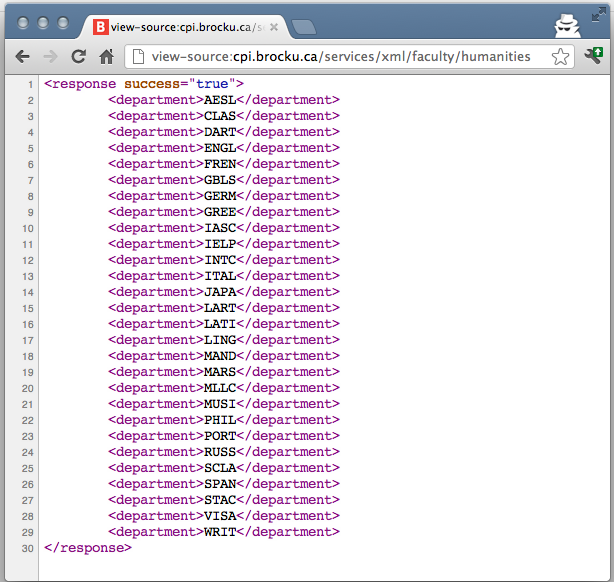
http://cpi.brocku.ca/services is a collection of RESTful APIs that return Brock University course calendar information in a number of formats: xml, html, csv and txt. The request URLs are created in a way that respects microformats.org’s guidelines for URLs.

Along with a the course calendar information is a handy “function” I created called brock_year. brock_year returns the current course calendar year by default, or the year that corresponds with a queried UNIX time value. This is useful because the course calendar issuing year does not always match the Gregorian calendar year. For example, duration 3 of Brock University calendar year 2012 occurs in January of Gregorian year 2013! I’ve cut and pasted the PHP for that code a few times for me and others, now it’s a web services for all.

Things will be updated as time permits and need arises. Also I should note that the Brock University Registrar’s information is considered definitive, and is the most accurate and well maintained source for this information http://www.brocku.ca/registrar/guides-and-timetable .

Hope this helps someone, or inspires someone else to expose data in a number of structured formats.

Brock University Important Dates iCal Feed

Mon Jul 30 23:07:26 2012 EDT (-0400 GMT)


I tried to share this on http://icalshare.com, but can’t make an account (the password field is not blank!) so I’ll share it here.

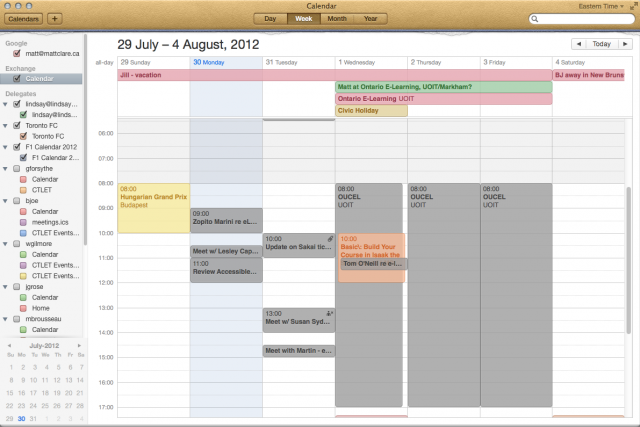
I created a Brock University important dates feed from the registrar’s list of important dates http://www.brocku.ca/registrar/guides/returning/importantdates.php . The dates are added to a Google Doc Spreadsheet then run through our Centre for Pedagogical Innovation (formerly CTLET) CSV to iCal converter at http://cpi.brocku.ca/ical/csv2ical.php

The outcome is this feed of Brock University’s important dates — I promise to update it

  • Normal URL http://go.mattclare.ca/budates
  • WebCal feed webcal://go.mattclare.ca/budates

Lunch Blog

Wed May 30 11:38:55 2012 EDT (-0400 GMT)

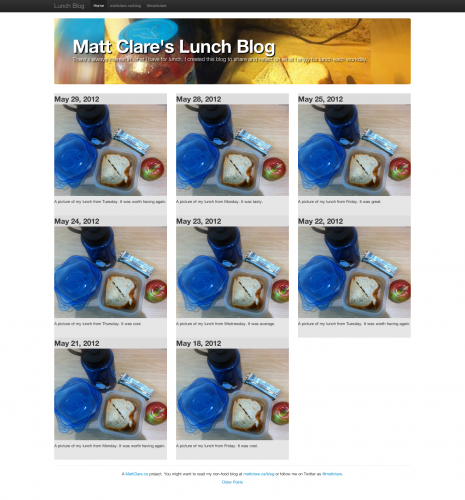
I’ve started a new lunch blog! I encourage you to check it out at http://mattclare.ca/lunch-blog/

The site is obviously more of a joke at the expense of my daily lunch at Brock University of two penut butter and jam sandwiches that I slather in double fruit jam and chunky penut butter before I leave for work each morning.

The blog was built using Bootstrap, from the developers at Twitter. Bootstrap was created to help people build web responsive web sites easier, better, and faster. You can read more at http://twitter.github.com/bootstrap/

The blog itself simply uses a Bootstrap example, two pictures I took with my phone yesterday, a little CSS to apply the pictures to the backgrounds of the right divs, and some PHP to dynamically create “dated” posts. The PHP is key to the ability to review older posts and the short reviews of each lunch. The source is posted here http://mattclare.ca/lunch-blog/index.phps .

All and all, a positive experience and I look forward to bootstrapping more sites.

If My Contact Is On Your Phone, Please Protect It

Tue May 15 8:00:56 2012 EDT (-0400 GMT)


A recent article in the Columbia Journalism Review by Matthieu Aikins underscored the need to protect the contents of your smartphone. If the potential to have your own information stollen or generally snooped through your stuff, please consider this story.

The British journalist and filmmaker Sean McAllister was in Syriashooting a documentary for Britain’s Channel 4 about the underground there. A few he had worked with were concerned about his general lack of care about his communications and protection of the identities of those in the underground he was working with.

In October, McAllister was detained by Syrian security agents. Well detained he could hear the cries of prisoners being tortured in nearby rooms. He was interrogated and had all of his electronics seized and searched.

Upon hearing that security forces had McCallister a few individuals who had been in touch with, including the main source of the article, immediately fled fearing the brutal Syrian regime now had information that put their lives at risk. Others in McAllister’s electronic records, like one Omar al-Baroudi, were never heard from again.

The article uses the example to point to the need for journalist and the organizations that employ them to become more aware of how to protect their digital information. I hope this stark example will encourage everyone with a smartphone to consider protecting the information on it and information available to it.

If not, please consider the potential embracement of a malevolent or mischievous individual finding your smartphone and posting to Facebook or Twitter on your behalf (though I would understand that it would be nice if someone update your Google Plus account).

It’s not just your data

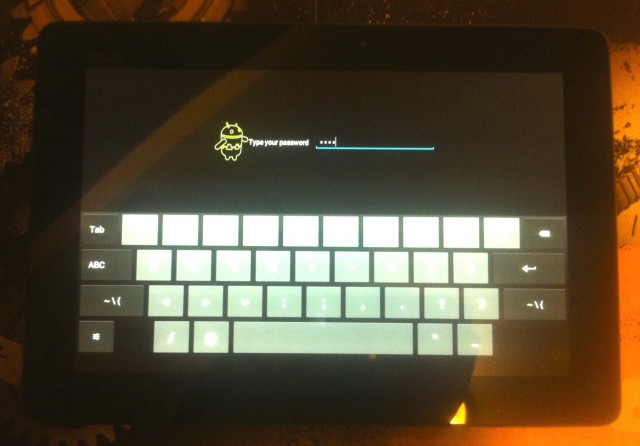
Your smartphone does not simply have some of your most private information, such as recent phone calls, social networks and E-Mail archives, it has my information too. If your information isn’t enough to convince you to protect the data on your smartphone then please consider the contact information from others that your smartphone contains.

Also consider the information your smartphone could have access to. Following a link in an E-Mail is the only proof of ownership of an account that most sites require when recovering a password. More sophisticated sites with higher security often require more, but would a quick E-Mail to the contact labelled “Mom” in your smartphone about how to spell the name of the street your grew up on yield results?

What you can do to protect the contents of your phone

The best news in all of this is protecting the contents of your smartphone is not that hard.

The type of storage based encryption that can prevent a thief from popping the drive out of your phone and reading it like it was a camera card on another machine is standard on Blackberries, recent iOS devices and is an option on almost all Android-based phones. I don’t know much about Windows Phone 7 Series Phones, but I suspect they are protected by the box they were shipped in.

That said, the most sophisticated encryption won’t protect the contents of your smartphone if all a nefarious individual needs to do is power your smartphone on.

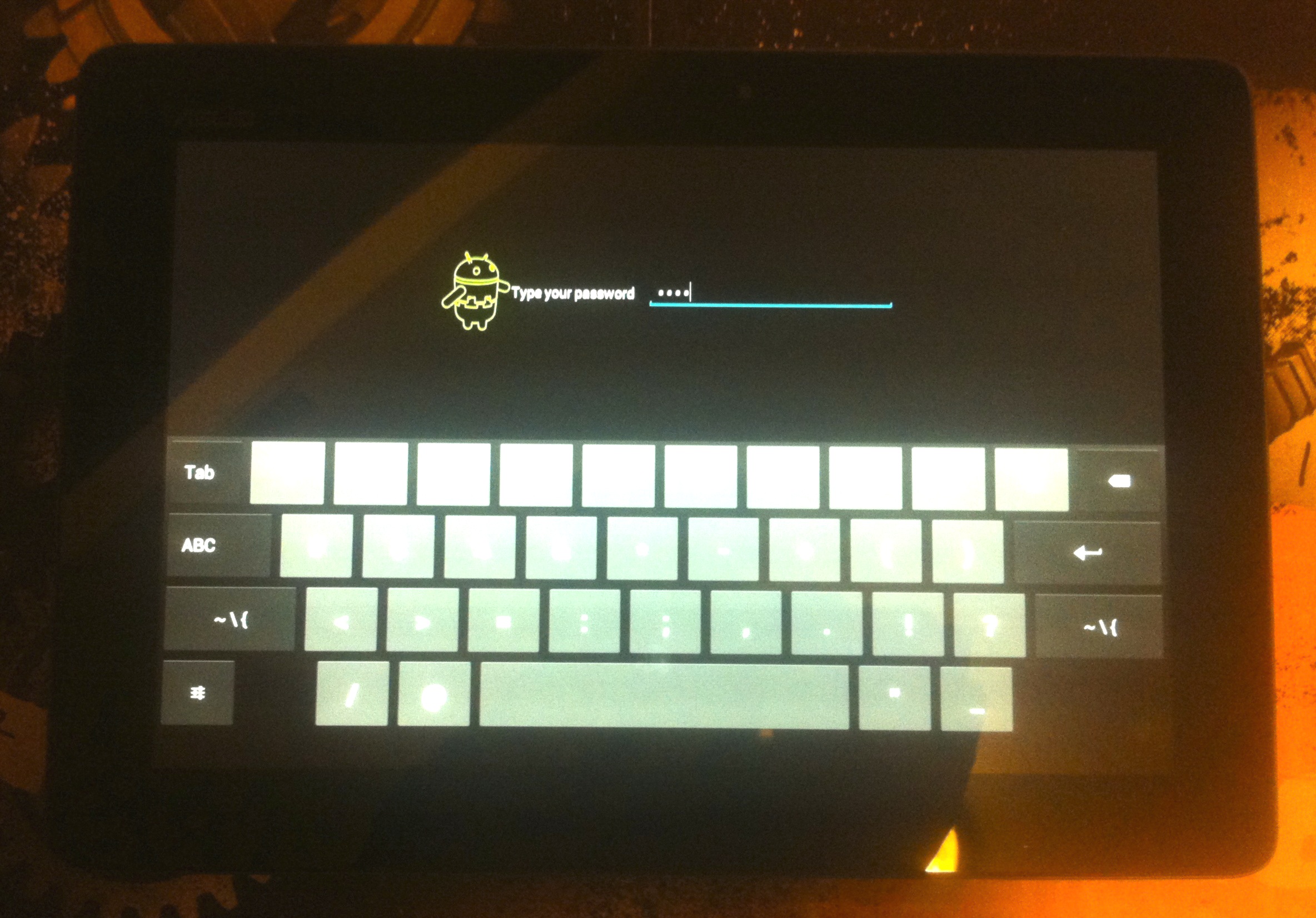
PUT A LOCK CODE ON YOUR SMARTPHONE

Adding a lock code is a huge leap in security over nothing! Even a simple code or Android pattern. If you add a simple code and back that up with the auto erase feature found in the same area of most smartphones you have “good enough” protection. “Good enough” protecting will keep someone who found your phone from pretending to post as you. All iOS and recent Android-based devices backup almost everything on your smartphone to a combination of your computer or “the cloud” and can safely be wiped at any point.

The Electronic Frontier Foundation & SafeMobile.org

The Electronic Frontier Foundation (EFF) is always a great source for such matters, and they have Surveillance Self-Defense Guide https://ssd.eff.org/your-computer/protect

https://safermobile.org/ is a web site that generally helps people use mobile technology more securely. They have tutorials about how to encrypt the data on your phone and store passwords securely. It’s worth investigating. They even have a guide for journalists.