Geeky & Productive Way to Start 2012 F1 Season

Fri Mar 16 0:07:52 2012 EDT (-0400 GMT)
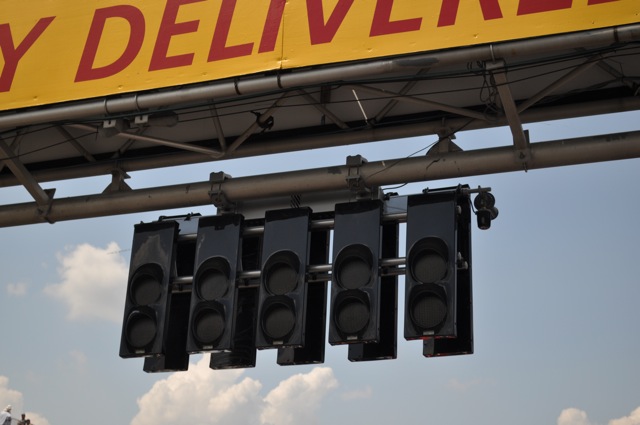
Here’s my geeky and productive way to start off the 2012 Formula 1 season: Textexpander shortcuts for Formula 1 driver names.

I’ve blogged about Textexpander before: http://mattclare.ca/blog/2009/08/28/textexpander/ In short, with TextExpander installed on your Mac you can type short key-commands, like “ddate” which is automatically replaced with something like Thursday March 15, 2012 saving keystrokes and looking things up. I store handy E-Mail responses or marking responses in TextExpander shortcuts as well as things like HTML elements and other filler text.

There is also the compatible MS Windows option: PhraseExpress.

For the 2012 Formula 1 season I’ve taken the Formula 1 timing and scoring three letter short code abbreviations and turned them into a Textpander group. This should help me bang-out my tweets, blog postings, gripes and other comments about F1.

3 Letter Driver Abbreviation
ALO Fernando Alonso F1ALO
BUT Jenson Button F1BUT
DIR Paul di Resta F1DIR
DLR Pedro de la Rosa F1
GLO Timo Glock F1GLO
GRO Romain Grosjean F1GRO
HAM Lewis Hamilton F1HAM
HUL Nico Hulkenberg F1HUL
KAR Narain Karthikeyan F1KAR
KOB Kamui Kobayashi F1KOB
KOV Heikki Kovalainen F1KOV
MAL Pastor Maldonado F1MAL
MAS Felipe Massa F1MAS
MSC Michael Schumacher F1MSC
PER Sergio Perez F1PER
PET Vitaly Petrov F1PET
PIC Charles Pic F1PIC
RAI Kimi Raikkonen F1RAI
RIC Daniel Ricciardo F1RIC
ROS Nico Rosberg F1ROS
SEN Bruno Senna F1SEN
VER Jean-Eric Vergne F1VER
VET Sebastian Vettel F1VET
WEB Mark Webber F1WEB

Here is the TextExpander Group for you to either download or subscribe to.


Signed with TextExpander……
Matt Clare
Educational Technology Support Specialist,
Centre for Pedagogical Innovation (formerly CTLET) www.brocku.ca/ctlet
Part-time Instructor,
Interactive Arts and Sciences
2012 Formula One Season: Fantasy Racing

Thu Mar 15 23:37:55 2012 EDT (-0400 GMT)

This weekend is the first race of the 2012 Formula 1 season. I’m excited and I hope you are too.

One part of the season that always gets me excited is entering my team, ZERO Racing, in Mitch & Brooke’s Fantasy Racing competition. I’m encouraging you to as well.

All you have to do is pick a team name and then a driver from all of six groups provided. The only prize is respect, and you should probably check back once and while to see how you’re doing, but if you let me know your team I’ll be sure to give you credit for besting mine.

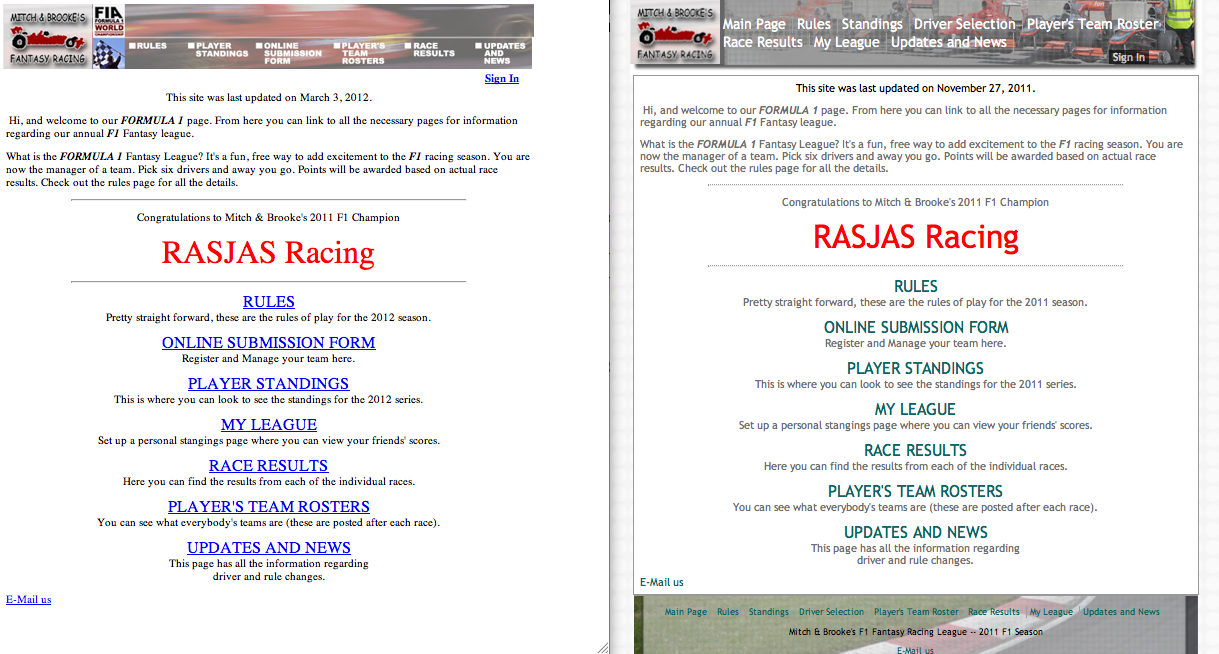
Something else to look forward to is the new look I donated in the form of pictures and CSS to Mitch & Brooke’s Fantasy Racing. I hope to see it applied soon — once the guys are done starting the season etc. Here’s a preview:

Reflections on Teaching with a Tablet

Wed Feb 1 21:16:09 2012 EST (-0500 GMT)


During my four weeks of teaching in January I’ve been teaching with a tablet: the Asus Transformer Prime. When I teach I almost always have a digital device (beyond the presentation tool) with me to reference my notes and do all the digital teaching elements like recording marks and interacting with students digitally.

So far I’ve found my laptop to do all I need it to, but laptops have a limited battery, they can be less than portable and have the visual barrier of a vertical screen. My phones, specifically my iPhone, is too small to refer to and interact with while teaching.

Here’s my reflections from teaching with a tablet:

  • I like the form factor – back to when all I’d use was paper notes…. well someone else teaching a class would have.
  • The portability does allow me to be more engaged with my students both with with my location in the classroom and the removal of the laptop/monitor barrier.
  • I can’t take notes as fast, but the notes I do make just sound less jundgemental than the clicity clack of a keyboard

Here’s the strangest reflection:

  • When I refer to my tablet for something I feel like Moses reading a decree from his tablet. I feel as though each fact should be prefaced with “thou shalt..”. Perhaps its the read-only or consumptive not creative nature of the whole tablet form factor that makes my notes read or feel like decrees?

2011 at MattClare.ca

Fri Dec 30 23:55:08 2011 EST (-0500 GMT)

Here’s a word cloud for 2011 at MattClare.ca – mostly my blog (biased towards the end of the year):

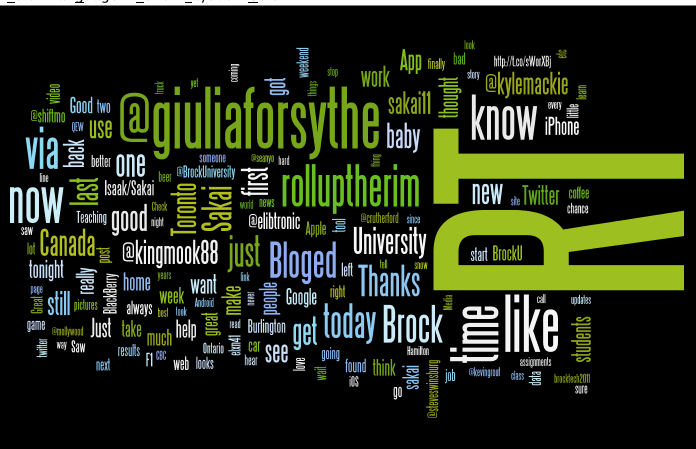
Here’s my Twitter feed for 2011:

I think the insight there is that I use twitter to get a hold of Giulia a lot.

As my ThinkUp installation at http://mattclare.ca/thinkup gains way more data than my previous archives had I think 2012 will bring with it some real insight.

Correcting Burlington Hydro and PeakSaver

Thu Dec 15 12:27:47 2011 EST (-0500 GMT)

I’ve blogged about being a big fan of the PeakSaver program before. http://mattclare.ca/blog/2010/07/07/peaksaver-heat-wave/ No longer.

I recently wrote Burlington Hydro about the about the remarkably poor instructions for logging into the PeakSaver Online Control Centre. The number of issues with the process really does make Burlington Hydro and the PeakSaver program look foolish.

The issues stem from me attempting to log into the online control centre with credentials I had saved but no longer work. It would appear they stopped working after my thermostat was replaced in the summer after it was damage by our child — an experience that was very good and left me impressed with PeakSaver’s responsiveness. My opinion has since changed.

Apparently the new thermostat meant a new log-in, no one told me this, but it was simple to deduce. Here are the three major problems the experience highlighted, with the benefit of information from a phone call on Thursday December 15.

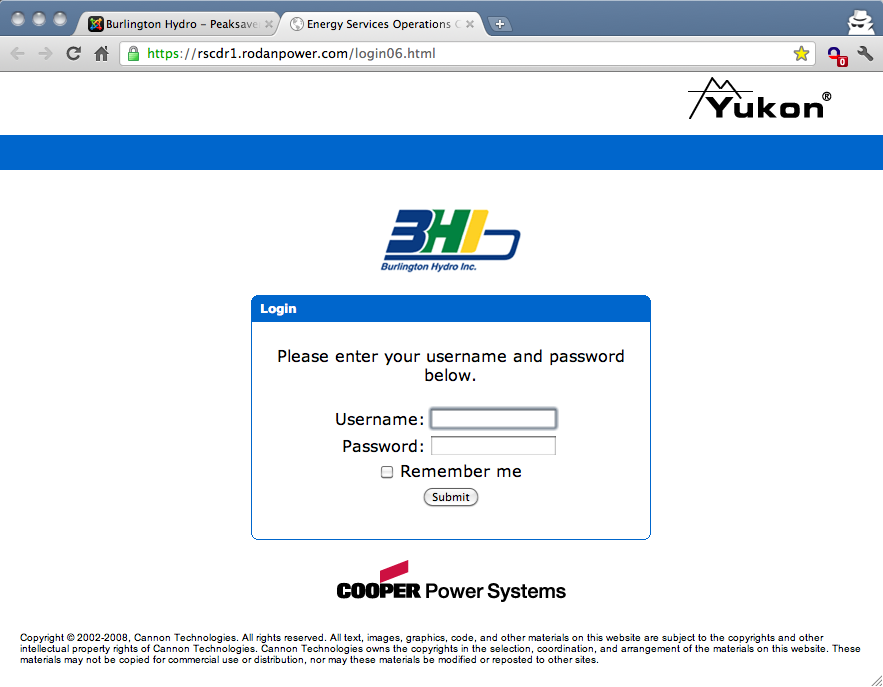
  1. Login page for PeakSaver Control Centre

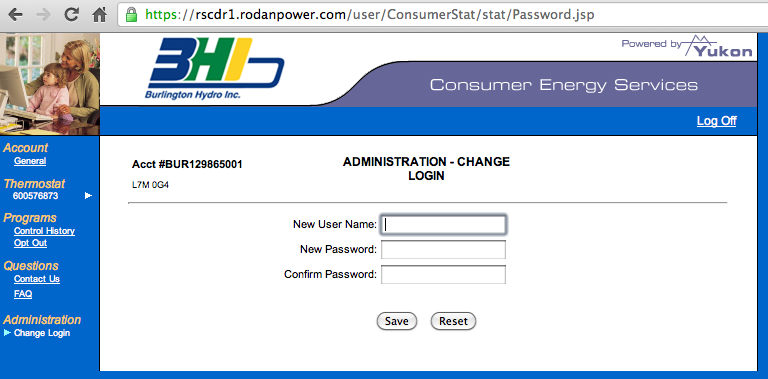
    When you don’t enter your password correctly at https://rscdr1.rodanpower.com/login06.html the logo changes from BHI’s to PeakSaver’s

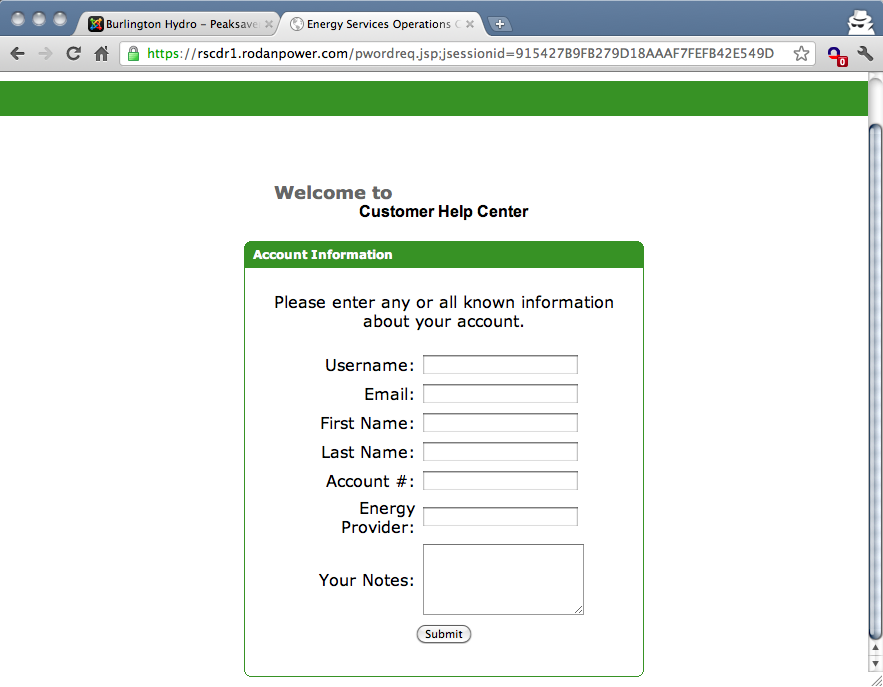
    When you follow the Forgot your password link you are presented with a form

    I filled out that form at least a 1/2 dozen times. I never got a response. I’d put my phone number in the notes, ask if anyone was receiving these, no one ever got back to me in any format.

    PeakSaver and Burlington Hydro would be offering better service if this link wasn’t even there, because I’d call immediately and not wait for a never arriving response.

  2. The account instructions to sign-in to the online control centre are incorrect on the Burlington Hydro web site, and I know how to correct them based on my Thursday December 15th phone call.

    At http://www.burlingtonhydro.com/your-home/conservation/peaksaver.html it should read:

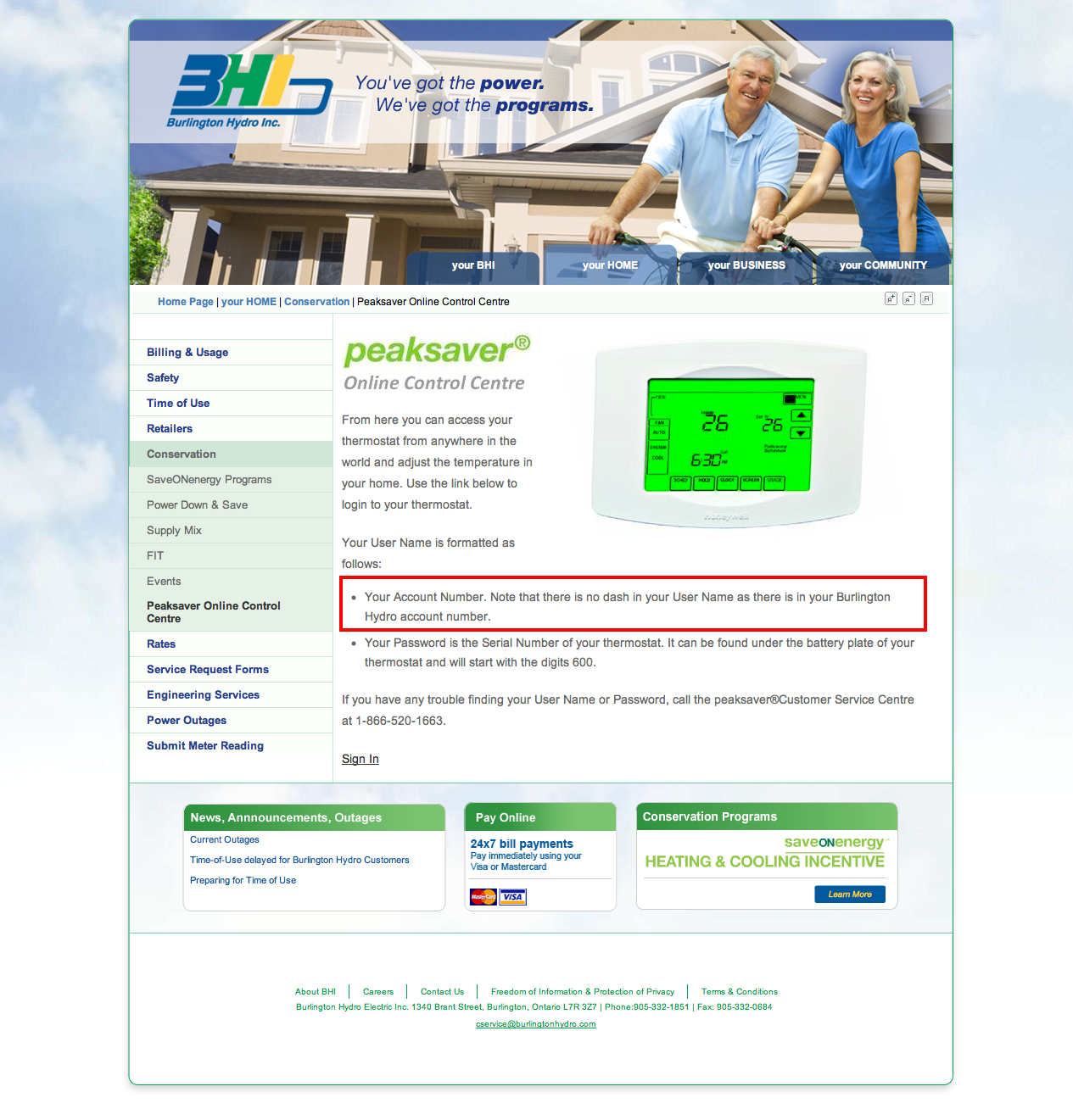
    The letters BUR followed by Your Account Number. Note that there is no dash in your User Name as there is in your Burlington Hydro account number.

  3. When I finally called on Thursday December 15, 2011 I was asked what my username that I was given was, I suggested what I thought it was based on http://www.burlingtonhydro.com/your-home/conservation/peaksaver.html (which I now know is misinformation) and mentioned that at some point I had updated it to a different username. I was told both that the account information was wrong, and then given the correct formula noted above, and told that you can’t change your username. The gentleman I spoke to was correct about the format of my username, but one can change their username

I also asked the gentleman I spoke to on Thursday December 15 about the “Forgot your password?” form and why I hadn’t received a response. The gentleman then asked when I had filled it out, my answer was “Once this morning, once last night and during the day, once last week and a few times in the summer” he apologized. I further alerted him to the misinformation at http://www.burlingtonhydro.com/your-home/conservation/peaksaver.html and asked him to do what he can to improve that experience, I’ve since asked the same of Burlington Hydro.

There’s my rant, but I also hope it corrects the record for someone who Google’s there way away from http://www.burlingtonhydro.com/your-home/conservation/peaksaver.html and I also want to revoke my endorsement of the PeakSaver program.