PHP script to download files from GMail

Wed Dec 15 1:20:07 2010 EST (-0500 GMT)
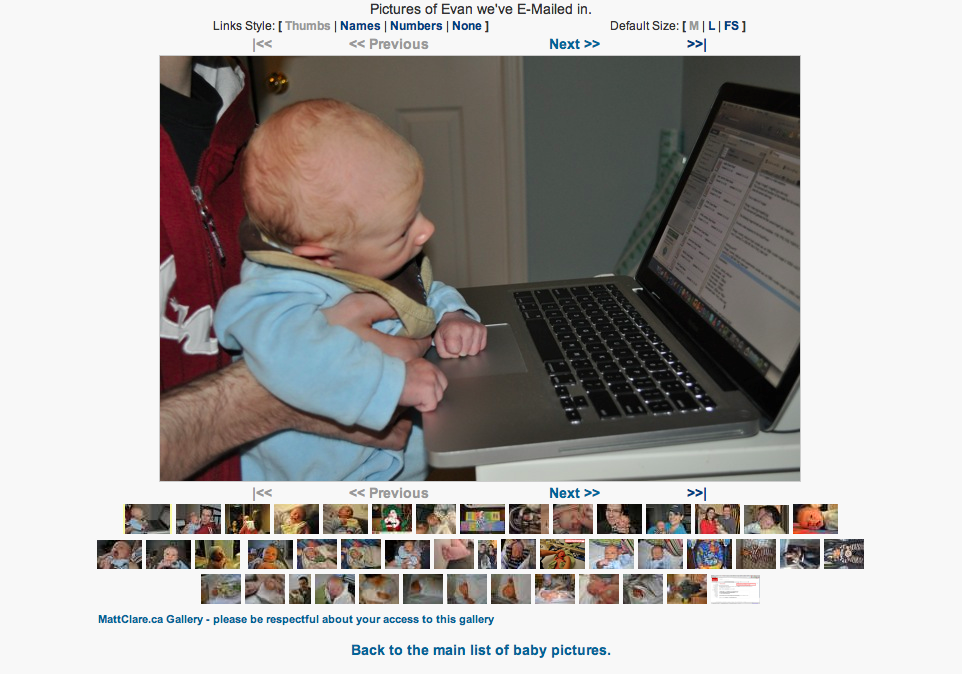
While my wife was getting a valuable two hours of sleep before she was woken with contractions signaling the birth of our first born child 19 hours later, I was not quite tired enough to sleep. UnknowingIy missing out on my last chance to sleep for a while, I was typing away at a PHP script to allow us to share pictures of our new baby – whenever he was going to arrive – with our friends and family privately with nothing more complex than the ability to eMail photos from my iPhone.

It was important to us to be able to share these pictures of our new child, but also to protect our child’s image from the very public exposure of the public internet and the still too public (or at least, un-trustable privacy of) Facebook.

Here’s how I was able to achieve this with a web server, some PHP, a GMail account and my iPhone:

Creating Galleries
First off I created a folder with standard Apache Basic Auth settings and let our friends and family know the simple username and password. I also turned on WebDAV access for the geekier viewers. In order to construct interesting galleries I placed a copy of Qdig, a Quick Digital Image Gallery PHP script to create galleries and thumbnails on the fly (and secured it against the WebDAV access). I had to increase the amount of RAM PHP could use, but otherwise it was very easy to implement.

Getting eMail Attachements from GMail with PHP

I created a new GMail account (specifically through my Google Apps domain) to receive all of these cute baby pictures via eMail from my iPhone. The next step was to check it automatically and store the attached pictures in a specific folder.

I wrote a PHP script, fetch_mail.php, that POP’s the GMail account, looks at new mail for attachements, and saves the attachements in the protected folder.

The full PHP file, save my account details, is here: http://mattclare.ca/~mclare/blog/fetch_mail.phps

The configuration settings:
$user=[email protected]//GMail address 
$pass=“your password”//GMail address
$save_dir ‘./’//Folder to save the files into
//lower case array of EMail address that are allowed to send.  Don’t set if you want to allow anyone
$senders = array([email protected],[email protected]);
$extensions = array(‘png’,‘jpeg’,‘jpg’,‘gif’); //lower case file extensions to allow.  Don’t set if you want allow any file
$prepend_date true;  //Add date and time to start of file names to prevent filename collisions
$status true//Should a status report be reported at the end?

The GMail imap_open string for POP:

// GMail with pop3
$authhost=“{pop.gmail.com:995/pop3/ssl/novalidate-cert}INBOX”;

$connection imap_open($authhost$user$pass);
imap_errors();

Then over a hundred more lines of PHP to look for an attachement and to then save it to the designated folder.

Running the PHP Script
I added the following to my server’s crontab to have it check for new mail every ten minutes.

*/10 * * * * nice php -f ~/bin/baby_pictures/fetch_mail.php

I ran the script from the command line, but it would work through the web.

That’s It

Hopefully if you know a little PHP and have a web server at your disposal this script will help you move files from GMail to your web site. I know we’ve really appreciated sharing our joy this way.
AppleJack free disk maintenance tool for OSX

Sat Nov 13 15:19:54 2010 EST (-0500 GMT)

If you use a Mac, and you haven’t had a chance to install it yet, I’d like to recommend AppleJack.

AppleJack is a free open source tool that automates the basic UNIX tools are a few other basic maintenance tasks for OSX. All things someone comfortable with the command line could do themselves, but AppleJack automates the process and more. It’s routine repairs disk contents, repairs permissions, validate the system’s preference files, and gets rid of possibly corrupted cache files.

In my experience AppleJack is as good or better than commercial OSX maintenance tools and makes the most of the proven command line disk maintenance tools that come with almost all UNIX operating systems.

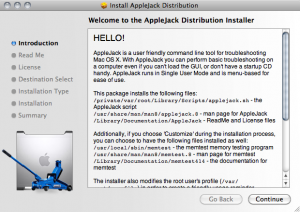
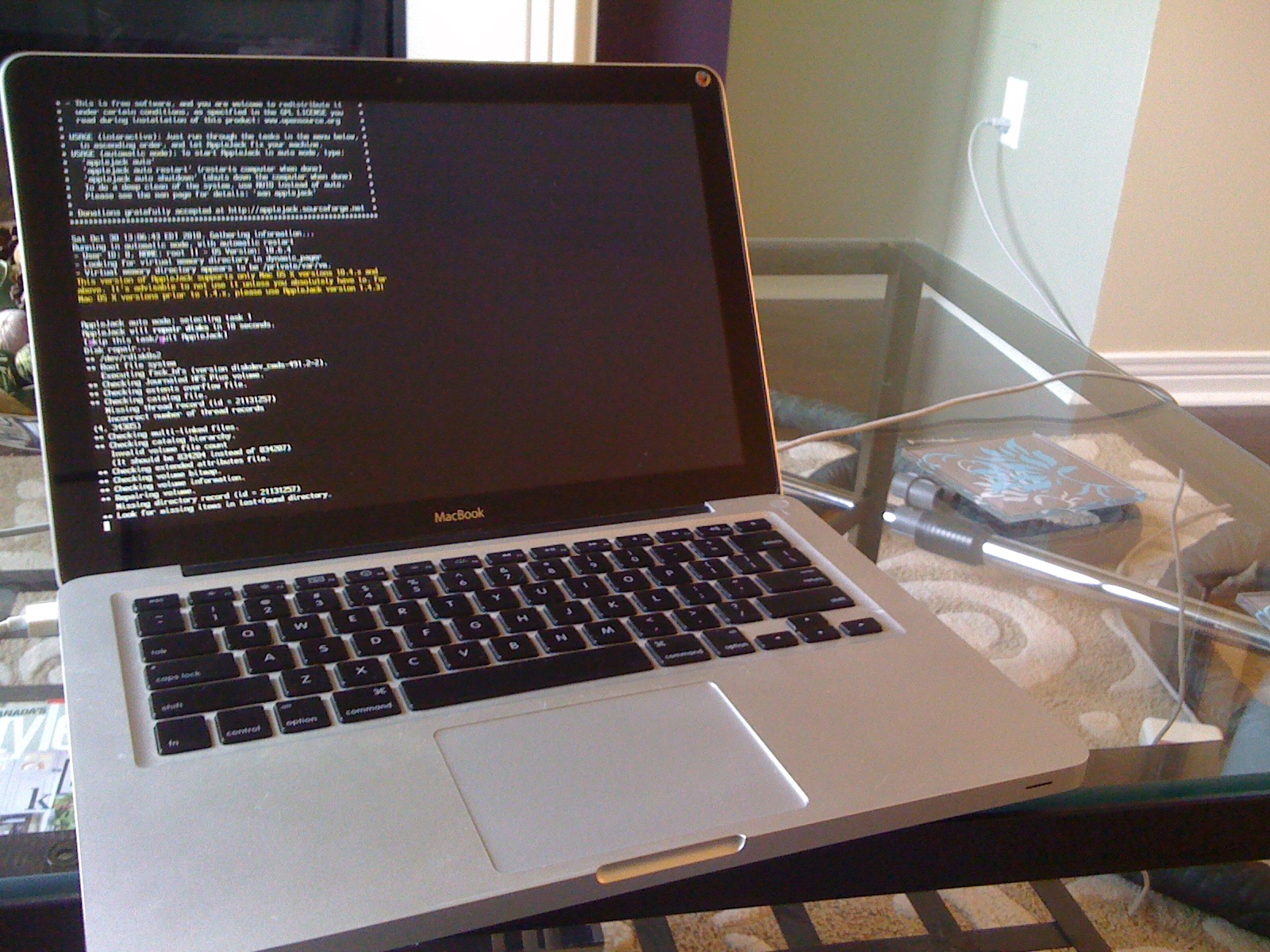
Once you have visited http://applejack.sourceforge.net and downloaded and installed AppleJack it is ready to be run. To run it restart in Single User Mode (SUM), by holding down Command + S keys at startup, and then when prompted type applejack, or applejack auto (which will run through all the tasks automatically), or applejack auto restart (which will also restart the computer automatically at the end of the process).

One of my favourite features of AppleJack is that it lets you issue commands like applejack auto shutdown to have it run through its whole routine and shutdown the computer when it’s done. A great task to run at the end of the day, and it looks really hacker-cool when its running.

I run AppleJack every once and a while, or when something goes wrong for un-explained reasons. Occasionally it catches problems and alerts me, but mostly I feel the benefits of good computer hygiene.

Integrating others’ works into your own: My practices

Mon Nov 8 12:13:12 2010 EST (-0500 GMT)

I am not a lawyer, and I am not prepared to give legal advice. That said, here are some general practices for dealing with copyrighted works that respect the tradition of academia and are influenced by the current realities in Canadian intelectual property developments. This is the same advice that I’ve been giving my Interactive Arts and Sciences students in the two courses I teach at Brock University.

Three important principles are:

Access Canada (formally CanCopy) which gives educational exceptions to copyright does not apply on-line, only to some paper-based situations.
The distinction between “taking” or “making” a copy versus referring others to an artifact is very important.
“Fair Dealing” (“Fair Use” in the U.S.) is not well defined. There are exceptions for small portions of a text for educational use or satire etc., but there is no set amount. Canadian judges have not created a test, like a percentage, for all types of media. However, for practical reasons many individuals and institutions have chosen “workable” number with the advice of legal council.
Linking:

Linking is almost always a good idea. Many court cases in the US and Canada have held that you are not liable for directing people to something hosted/posted by someone else that violate copyright. For example, showing a YouTube video posted by someone else should not leave you liable. Additionally, most of the library’s agreements with journal providers insist students are linked to the articles, NOT downloaded and redistributed.

Reuse:

Reusing artifacts, or otherwise including images and other media from the web. Any explicit prohibition from reusing work trumps anything else; an image with a copyright logo or ‘not for reuse’ message would unsurprisingly prevent reuse. In the absence of those types of messages, using a work with a citation *should* be fine.

Please also remember that the legal system does not allow individuals to act as if they are literal idiots and claim that a copyright message was missing when the work was accessed; or to somehow have a third-party break copyright and source the third-party; or use a technological deterministic approach and suggest that if its technically possible to grab something than it is permissible; or similar arguments.

Bottom Line:

Be honest about your sources. The academic tradition, especially the sciences, involves referencing and incorporating the works of others. As long as you are transparent about this process and respect the genuine wishes of others you should be able to incorporate the works of others without issue.

Additional Notes:

I like to use services that allow you to search for “Creative Commons” works; which are explicitly marked as free for reuse, often with just attribution sometimes less. This makes it a lot easier. For example, in flickr’s advanced search ( http://www.flickr.com/search/advanced/ ) you can select “Only search within Creative Commons-licensed content ” at the bottom of the page. Or there’s http://openclipart.org, or MediaWikis commons http://commons.wikimedia.org or http://creativecommons.org has its own search tool as well.

Brock University’s James A. Gibson Library Style Guides: http://www.brocku.ca/library/help-lib/writing-citing/style-guides

Lastly, I am not a lawyer and this is not legal advice. Almost all questions of intelectual property, reuse and ownership, can be taken to court to answer – regardless of who is correct.

Started building my Toronto Maple Leafs bandwagon

Wed Oct 13 22:23:44 2010 EDT (-0400 GMT)

Building my Toronto Maple Leafs Bandwagon

The Toronto Maple Leafs have won all three of their games so far this year. As of right now they are tied for first place over all with Washington.

I’ve started building my bandwagon so that it’s ready for the Stanley Cup parade.

Haven’t found any wheels yet, should I be worried that as soon as I find them they’ll fall off?

Rescue of the Chilean miners

Wed Oct 13 21:27:47 2010 EDT (-0400 GMT)

The rescue of the Chilean miners has been a great triumph of engineering and the human spirt. Congratulations to the nation of Chile and everyone involved.

What a great story, and what great television. I started watching the first three miners rescued last night and watched a more of the rescues on-line at work.

The images were compelling; the large pulley wheel turning counter-clockwise as the rescue pod went down, clockwise as it hauled someone up. A variety of faces and emotions up top in HD contrasted against the minors below in grainy digital video.

Every 20 minutes the pod showed up at each end of the hole bored to rescue the miners. At the bottom an excited minor either welcomed a rescuer or jumped aboard the rescue pod. Then 20 minutes later there was an emotional reunion with loved ones at the surface – each with its own back story.

The miners have made a pact to share the profits of their story and not to only tell the story starting after the first 17 days – only building the integer. Here’s hoping they make the most of their ordeal and their able to tell their story and benefit from it. Here’s hoping that other miners benefit from a closer look at their safety after this.

For now it felt good to have a disaster end in great news that the whole world could be a part of.